
Checklist before shipping goods to the warehouse

For anyone who sells on Amazon, we have a four-point checklist that we recommend you check yourself.
Check each item before submitting items to the Smart Prep Center for flaws and errors on each checklist item. By using the checklist, you can avoid sudden trouble and have your items shipped to the Amazon warehouse without delay.
1. Giving access to Seller Central:
· Open access to our system Prep Admin.
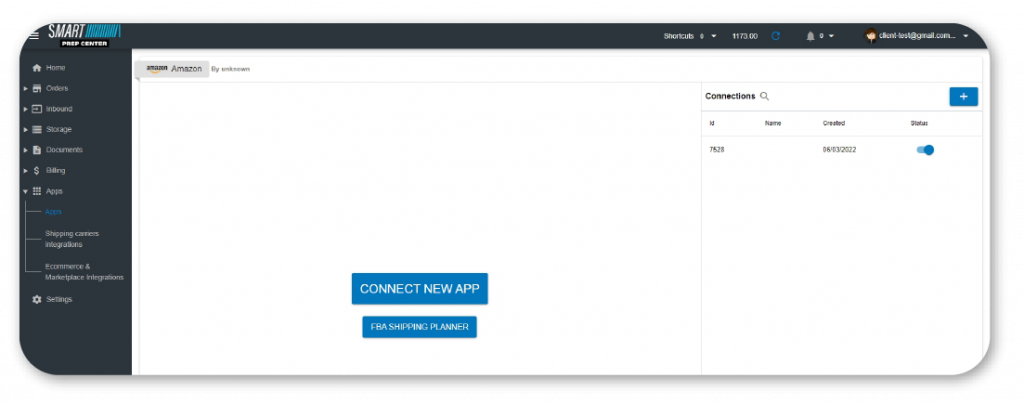
· Give us limited access to your Seller Central account.
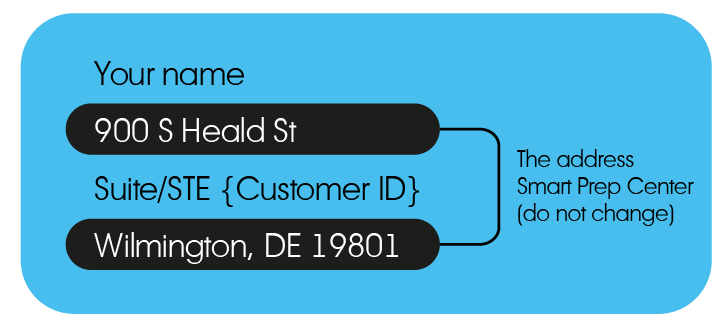
2. Send goods with your ID to our address:
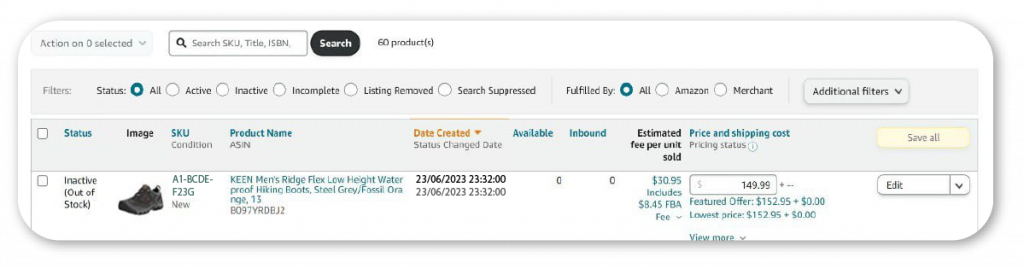
3. Add a listing to Seller Central:
A listing is the name of a page about a product that includes images of the product, a title with the name, a description and a list of features.
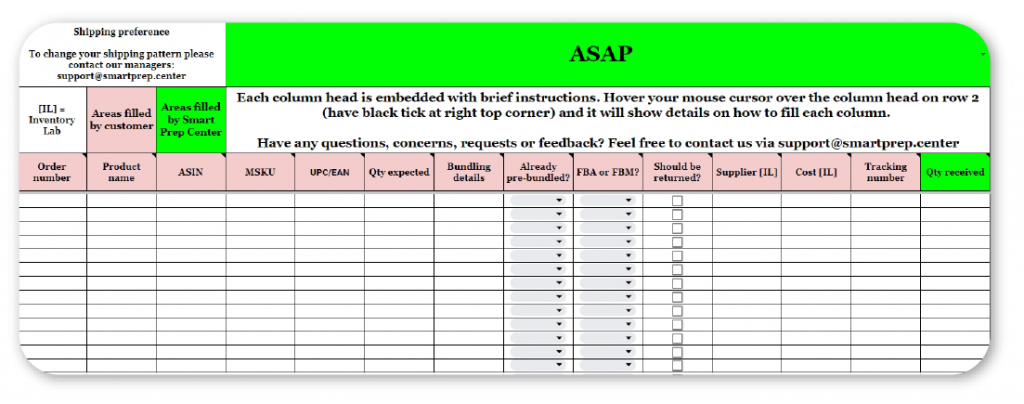
4. Fill in the Expected Items table: